Staking SAR
Novel game-theoric single-sided staking for PFL, PSB & PBAR
This feature is currently available for Flare, Songbird & Hedera network.
Sunshine & Rainbows (SAR)
Make sure to connect to the Flare Network / Songbird Network / Hedera Network.
- Staking pangolin tokens creates a SAR NFT position which manages your staked tokens and the APR.
- The APR starts from 0% (zero percent) and grows based on the staking duration.
→ how APRs are calculated - SAR NFTs can be traded on secondary markets such as Sparkles (make sure to refresh metadata before purchasing!)
Overview of your staked SAR NFT position. Use the widget on the right side to interact.
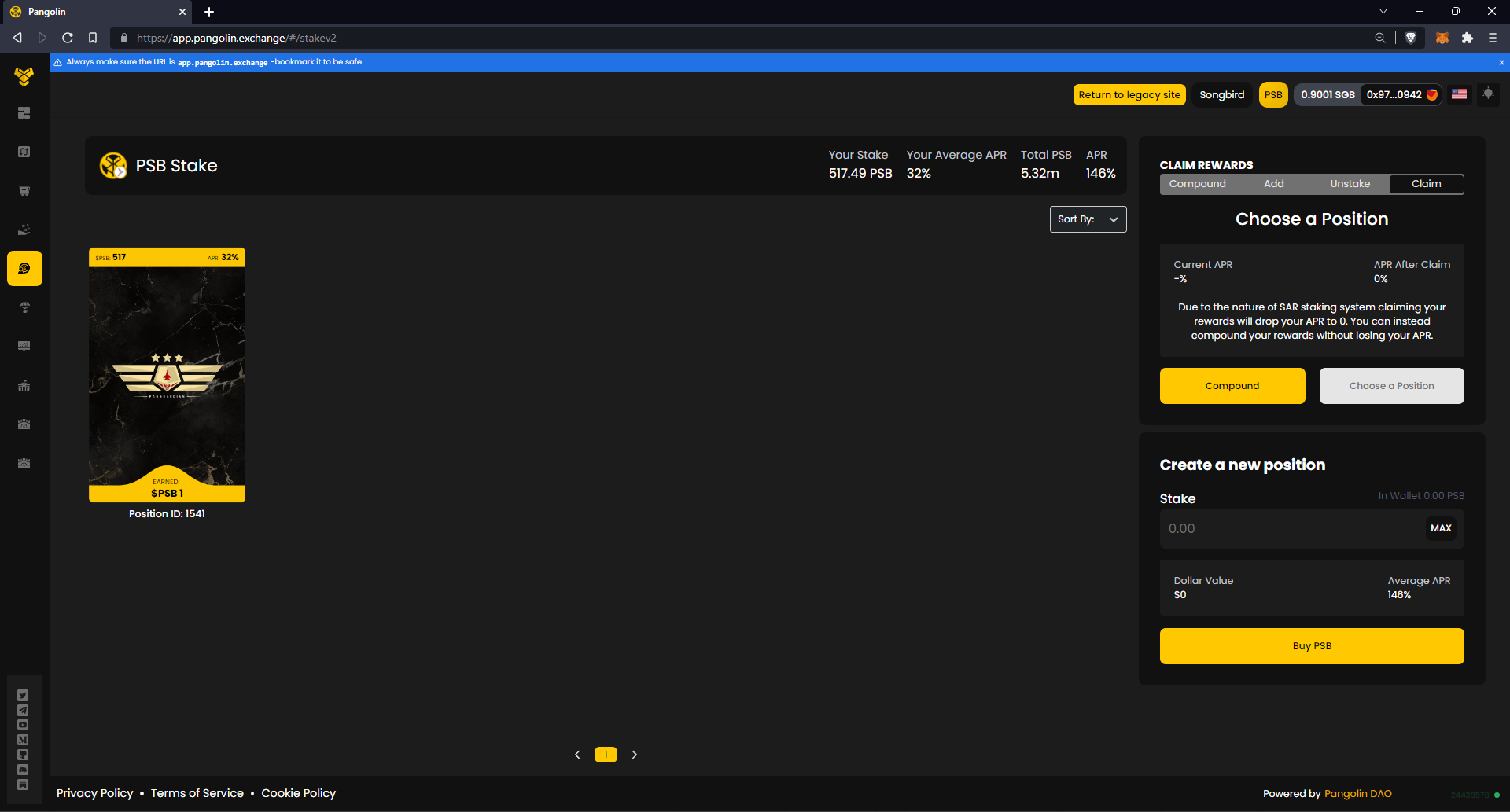
Airdrops auto staked as NFT
First, choose your position by clicking on the NFT.
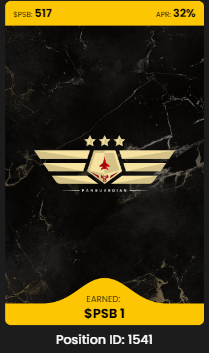
Not selected position
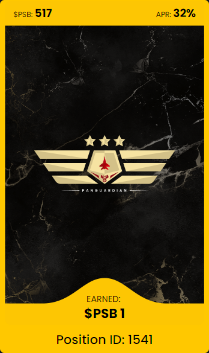
Selected position
On the right side, use the toggles "Compound", "Add", "Unstake" and "Claim" to interact with your position. Each of the actions requires confirmation with your Web3 wallet.
Add: Adds new or claimed tokens to your selected NFT position.
Compound: Compounds your rewards to the selected NFT position.
Claim: Claims your rewards to your Web3 wallet.
Unstake: Unstakes from the selected NFT position to your Web3 wallet.
Create a new position
📺→ Single Sided Stake PSB 🕹️→ Single Sided Stake PBAR
Click on "Start" and follow the staking guide.
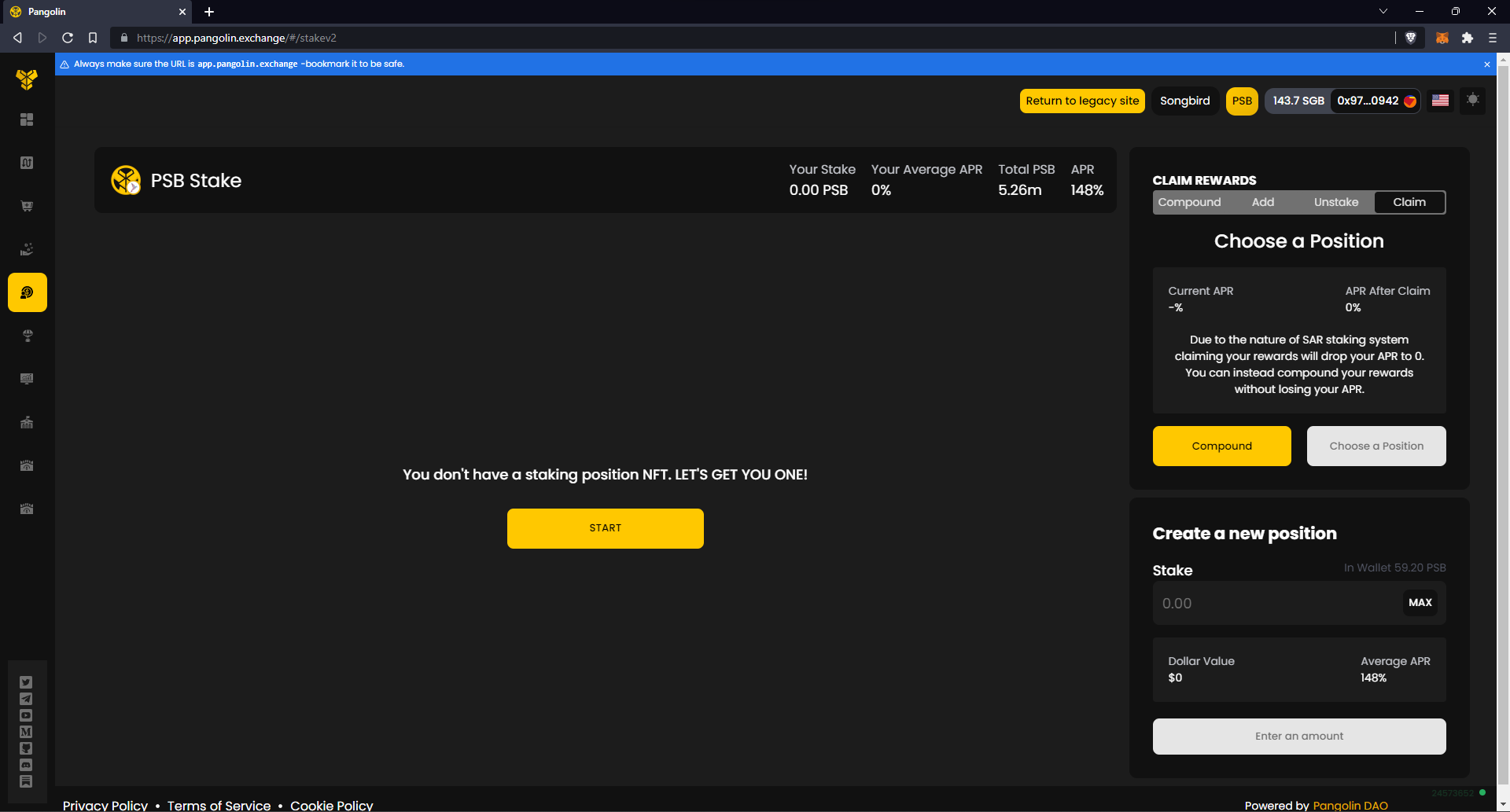
Start a new staking position by clicking on START
Enter an amount and click on "Stake". Click again on "Stake" in the summary.
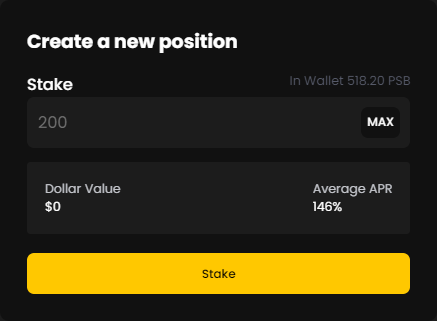
Enter an amount of PSB you want to stake
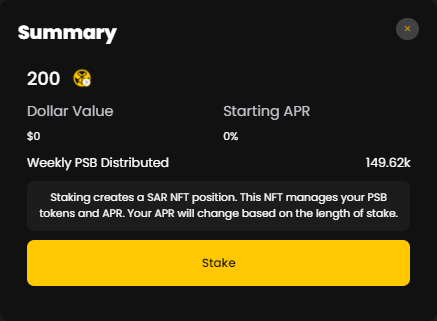
Check summary and confirm
Compound & Claim rewards
🕹️→ Compounding a single-sided PSB SAR NFT 🕹️→ Claiming PSB Rewards from SAR NFT
Claiming rewards will reset your NFT position's APR to 0%.
Compounding rewards will average the new position into your current position's APR.
To perform the action, toggle to the option and either click on "Compound" or "Claim".
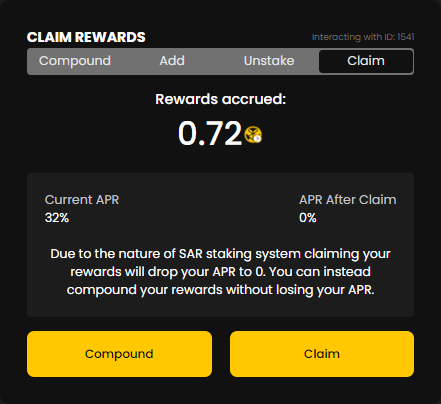
Claim your rewards or Compound them into your position
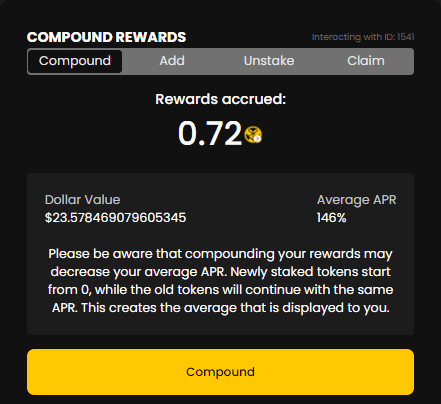
Compound your rewards directly into your position
Add & Unstake Position
🕹️→ Unstaking PSB from SAR NFT
Adding new tokens to your selected position will average your APR. While the new added tokens start from 0%, your original position keeps the old APR.
Unstaking your tokens resets your position's APR and claims remaining rewards.
To add, toggle "Add" and click on "Stake" or toggle and click on "Unstake" to remove position.
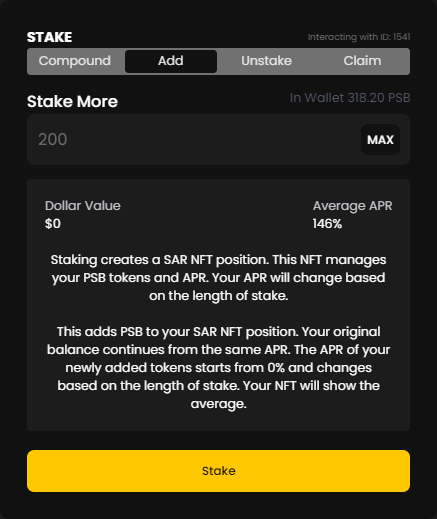
Add PSB to your staked position
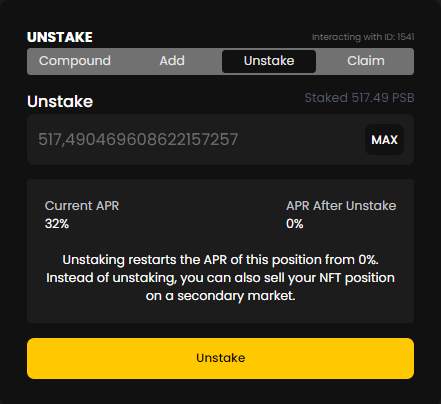
Unstake your SAR NFT position