Withdrawing Liquidity
How To Withdraw Liquidity
At any point, you can withdraw your liquidity from Pangolin V3, partially or fully. Removing liquidity will return your share of the pool’s tokens back to you, along with any fees earned by your liquidity up to that moment.
How to remove?
Open Your Position
In the Pangolin interface, go to Pool page and My Positions and select the specific position you want to remove from. It will show an option to Remove Liquidity.
Choose Amount to Remove
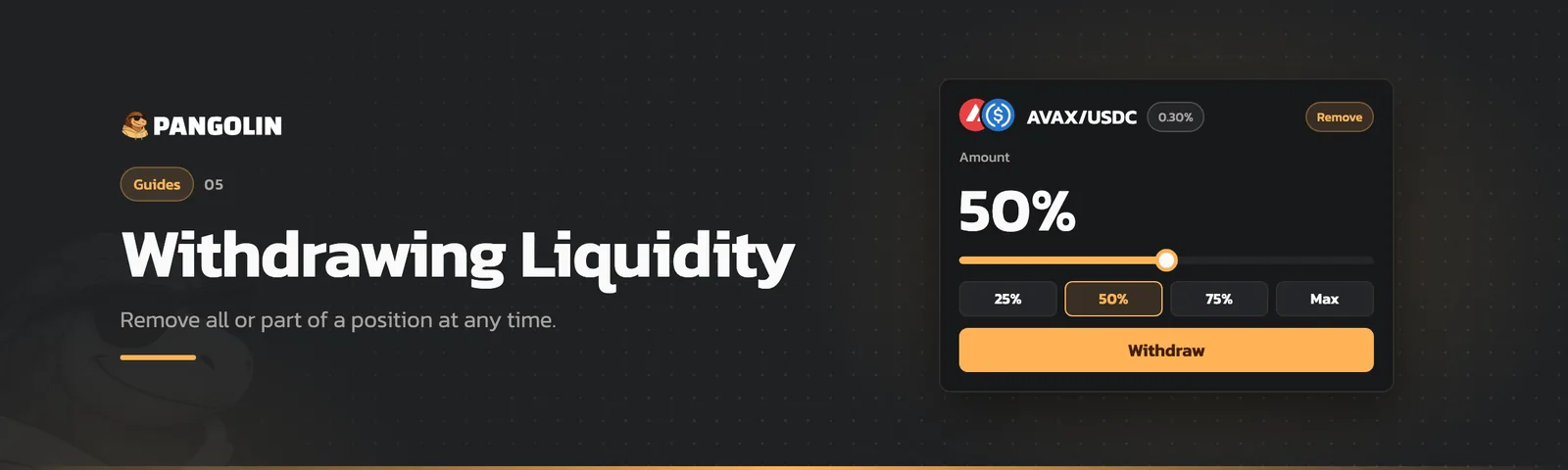
You can usually use a slider or input a percentage (e.g. 100% to fully withdraw, or a smaller percentage to do a partial withdrawal). Pangolin will display how much of each token you are estimated to receive. If your position is currently in range, those amounts include the fees you earned (which are in the form of the two tokens). If your position is out of range, you’ll mostly receive one token (the one in which liquidity ended up) and perhaps some residual of the other.
Confirm and Withdraw
After specifying the amount, confirm the removal. Once confirmed, the tokens will be transferred back to your wallet. Your NFT position will either be destroyed (if you removed 100%) or updated to reflect the remaining liquidity (if you did a partial removal).
After withdrawal, you have your tokens back and you stop earning fees from that position. You can always re-add liquidity again if you choose. It’s often wise to withdraw if you no longer want to maintain a position or before a big event if you want to avoid impermanent loss.